Get your setup right
Claude Code and app setup routes, skill ZIPs, a first test, and fixes for common installation issues.
FREE SKILLS. OPTIONAL STEP-BY-STEP GUIDE.
Plan. Write. Package. Improve.
Use the free quick setup to get going in Claude Code. Prefer a visual walkthrough? Our optional PDF takes you through setup, prompts, and your creator routine, step by step.
No purchase needed for the skills. Claude access and usage are separate.
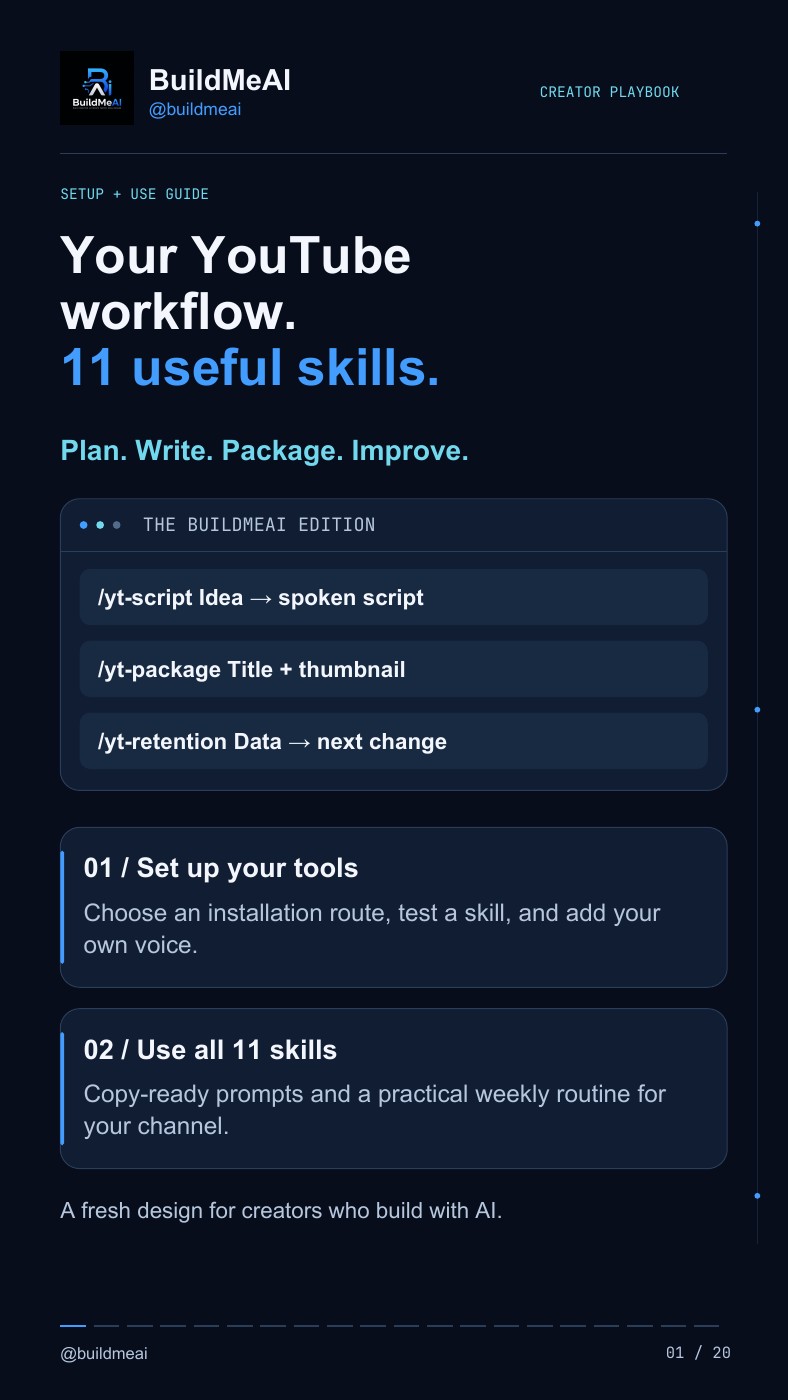
/yt-scriptIdea → spoken script/yt-retentionData → your next changeSTART HERE / NO GUIDE PURCHASE NEEDED
01 / INSTALL THE SKILL FOLDERS
Requires Git, Claude Code access, and Python 3 for the bundled helpers. Run in a terminal from a folder where you keep tools.
git clone https://github.com/Jakeschincariol/youtube-agent-skill.git
mkdir -p ~/.claude/skills
cp -Rn youtube-agent-skill/skills/yt-* ~/.claude/skills/
Already cloned it? Use your existing checkout. The copy command preserves files already in your skills folder.
02 / START A FRESH CLAUDE CODE SESSION AND TEST
/yt-script My idea: a useful AI workflow for solo creators. Give me hook options and a short spoken script.Check that the skill loads and returns a script. For your own style, fill in the repository’s voice template.
Free skills by Jake Schincariol · MIT licence ↗. Buying the PDF is not required to install or use them. Claude access and usage costs, if any, are separate.
01 / INSIDE THE OPTIONAL PDF
New to skills or prefer having every step explained? The paid guide brings both setup routes, examples, and troubleshooting into one visual reference you can keep beside your next video.
See real pages from the guideClaude Code and app setup routes, skill ZIPs, a first test, and fixes for common installation issues.
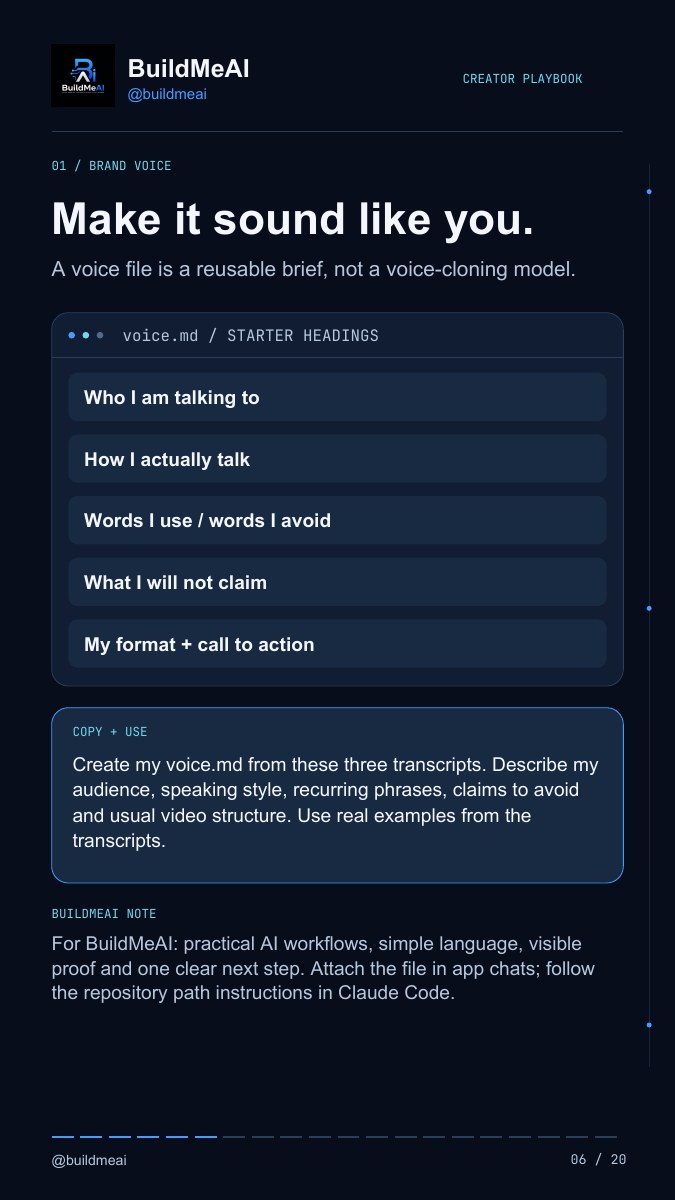
A reusable voice brief for your audience, speaking style, examples, and the claims you avoid.
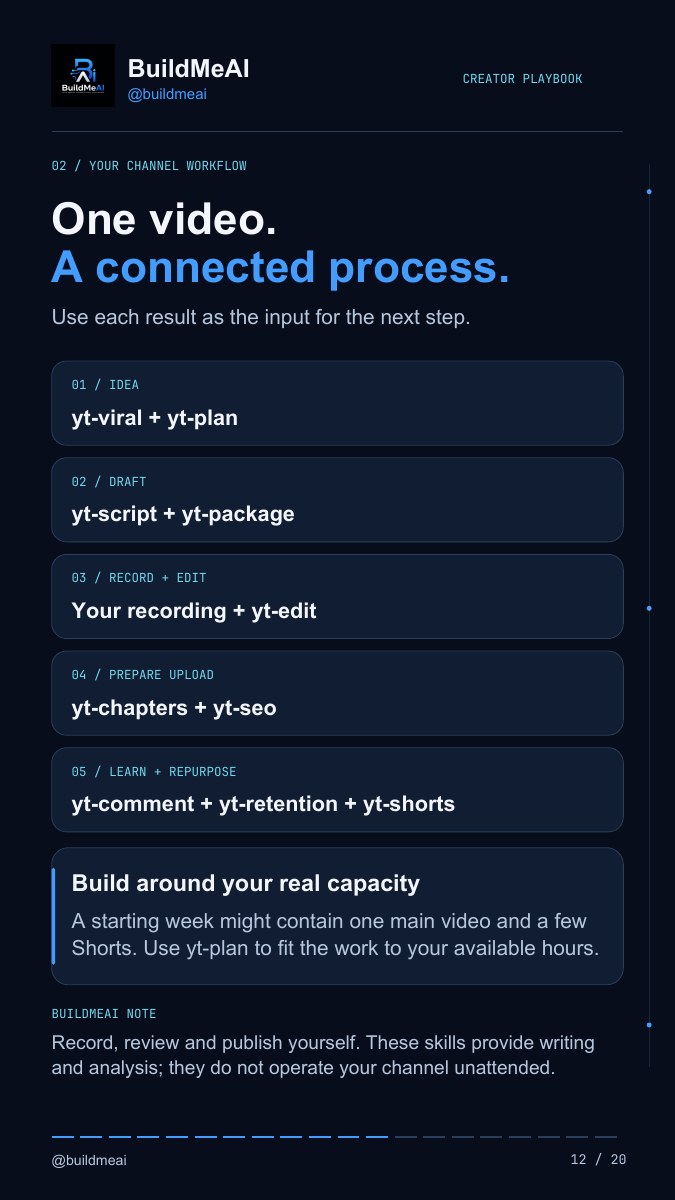
Clear use cases, copy-ready prompts, and practical notes for every stage of your channel workflow.
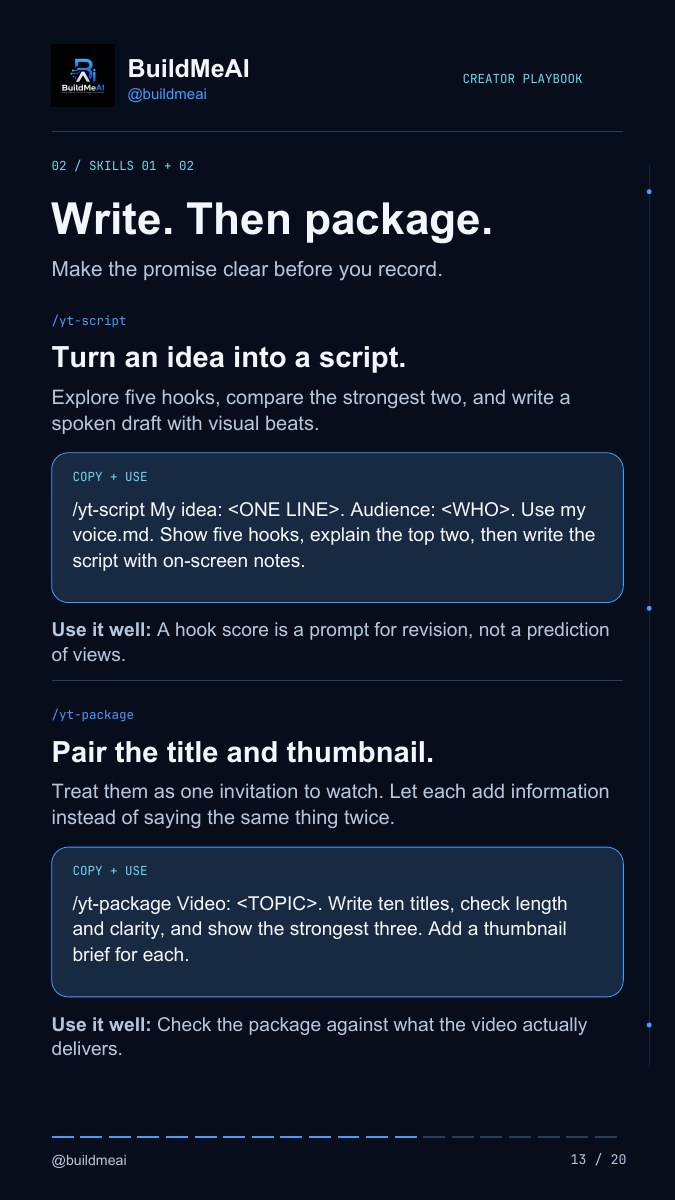
Before recording, after recording, and after the data arrives. Plus clickable official resources.
02 / A LOOK INSIDE
Three samples from the PDF.
Select a page to read it.
03 / YOUR CREATOR TOOLKIT
From the first idea to the next improvement.
All 11 covered in the guide.
Hook options, spoken drafts, and visual beats.
/yt-scriptTitles and thumbnail briefs that work together.
/yt-packageTurn a transcript into timecoded edit decisions.
/yt-editFit your uploads to your actual available hours.
/yt-planResearch public patterns and relative outperformance.
/yt-viralGroup comments and draft replies in your voice.
/yt-commentUse retention data to choose your next change.
/yt-retentionIdentify moments that stand on their own.
/yt-shortsWrite clear descriptions and relevant search copy.
/yt-seoTurn your transcript into timestamped chapters.
/yt-chaptersReview your channel and identify a priority.
/yt-auditYou bring the ideas and the judgment.
The guide helps you build the process.
The original skills by Jake Schincariol are free and open source under MIT ↗. Your purchase is for the BuildMeAI guide, its explanations, layout, and examples.
OPTIONAL / FOR A GUIDED START
Get the illustrated walkthrough for Claude Code and the Claude app, with copy-ready prompts, a voice brief, and help when setup gets confusing. A guide you can follow at your own pace.
Already comfortable with setup? Use the free route ↑Secure checkout by Dodo Payments
Final price, currency, and taxes are shown at checkout. Claude access and usage are separate.
Yes. All 11 original skills are free and open source. Use the free quick setup above or the original repository’s documentation. The ₹23 PDF is optional: it adds BuildMeAI’s illustrated setup walkthroughs, explanations, prompts, and routines. Claude access and usage are separate either way.
Creators who are new to skills, prefer a visual explanation, or want the setup and usage notes in one place. It covers Claude Code and the Claude app or web route, with diagrams, examples, and troubleshooting. It is a self-paced PDF you can read alongside your own setup.
A 20-page digital PDF in English: the BuildMeAI 11 YouTube Skills Setup & Use Guide. It includes setup walkthroughs, prompts, a reusable voice brief, troubleshooting, workflow examples, and resource links. This is a digital guide; no physical item is shipped.
Yes. The original YouTube skills by Jake Schincariol are open source under the MIT licence. You’re paying for BuildMeAI’s guide, rewritten explanations, design, and examples. The guide links to the original repository.
You need access to a compatible Claude environment to follow the workflows. The guide covers Claude Code and the Claude app or web interface. Account access, available features, and usage limits are separate from this purchase. A Claude subscription is not included.
The PDF walks you through setup; it does not install anything itself. The skills help with research, writing, planning, and analysis. You review the outputs, apply video edits, and publish your own content.
The buy button opens this guide’s Dodo Payments checkout, which lists the digital file entitlement. Complete your payment there and follow the download instructions provided with your order. The checkout’s merchant name is Judiro Technologies. For order or access issues, contact BuildMeAI with your order details.
This is an independent BuildMeAI creator resource. It is not an official guide from Anthropic or YouTube. It offers a practical workflow and does not guarantee views, subscribers, or revenue.